Guides
How to manage multiple OFM promo accounts: organisation and tools
Organising ten or more OFM promo accounts without mixing them up: account separation, tools, variant naming and day-to-day tracking.
10 min read · Updated October 12, 2026
By Steven S. · Founder of Klypsed
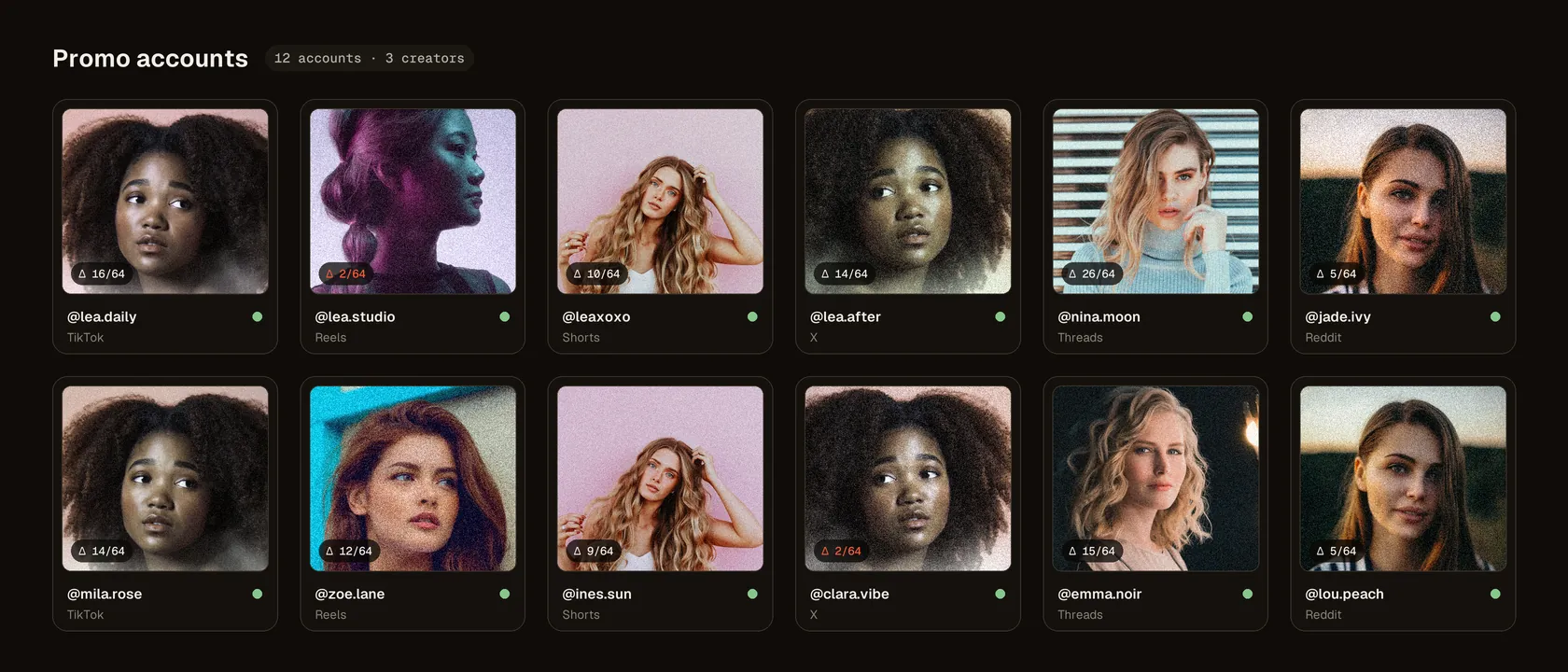
Going from two or three accounts to ten or more is a change in kind. What you held in your head becomes a source of mistakes: posting the same file twice, picking the wrong account, losing track of which variants are already used. Here’s how to structure a large operation without over-complicating it.
If you work at an agency, content production itself is covered in running content production at an OFM agency. This guide focuses on managing many promo accounts.
Keep accounts cleanly separate
The first risk at scale is mixing. Each account has to stay distinct:
- credentials and access stored in a password manager, one per account;
- a consistent identity per account: tone, theme, language, format;
- no recycling of variants between accounts: each file exists in a single place.
Follow each platform’s rules on holding several accounts: some regulate them strictly. Clean management is first about organisation, not circumvention.
A central dashboard
A simple spreadsheet is often enough, as long as it’s kept up to date. One row per account, with the platform, theme, target rhythm and today’s status. A second sheet maps each variant to an account and a date: that’s your safeguard against duplicates.
Name variants without ambiguity
At ten accounts and up, rigorous naming becomes essential. A readable scheme avoids any confusion:
- a model or theme prefix;
- the week or date of the content;
- a unique variant number, for example v017;
- archiving each variant once posted, so you never reuse it.
Produce the volume you need
Ten accounts posting daily is seventy variants a week at minimum. Preparing them by hand is unrealistic. Klypsed processes entire folders in one batch and generates as many variants as accounts from a single master, each with a different fingerprint and the distance measured. Everything runs on your computer, with no upload; the tool downloads then works offline.
Schedule and track
A scheduling tool prepares the week in one go and saves you posting manually at fixed times on each account. On tracking, watch average reach per account: that’s the signal telling you which ones are growing, which are stalling, and where to focus effort. Treat each account as its own unit rather than an undifferentiated mass.
A typical week for ten accounts
- Monday: produce the week’s batch of variants, name them and file them by account.
- Tuesday: write captions and schedule posts.
- Every day: fifteen minutes of monitoring per platform to answer comments and spot an account that’s slipping.
- Friday: review reach per account and archive the variants that were posted.
Grouping tasks by type rather than by account saves you from switching context all day.
Signs an account is slipping
- Average reach drops several days in a row, with no change in content.
- The share of views from recommendations falls close to zero.
- Posts get removed or a restriction notice appears.
When that happens, slow that account down and check the cause before posting more. The mechanism is covered in shadowbans and reposting across accounts, and our shadowban test helps you take stock.
Only post content you own the rights to, with the consent of the people filmed, and follow each platform’s terms of use, including their rules on AI-generated content and on running several accounts. No tool or organisation guarantees a post’s visibility: moderation and recommendations also depend on account behaviour and reports.
In short
Running ten or more accounts rests on three pillars: strict account separation, central tracking that prevents duplicates, and batch variant production to cover the volume. Structure first, automate second, and steer account by account.
Frequently asked questions
Is it allowed to have several accounts on one platform?
Most platforms allow several accounts but forbid using them for spam, manipulation or to evade a penalty. Check each platform’s rules before getting organised.
How many accounts can one person manage?
It depends on the pace and the platforms. The limit rarely comes from posting itself, but from producing variants and monitoring: once those two steps are structured, one person can handle far more accounts than by hand.
How do I avoid posting the same variant twice?
Give every variant a unique number, link it to a single account in a tracking sheet, and archive it as soon as it’s posted.
Which tool should I use to schedule posts?
Native tools are often enough: Meta Business Suite for Instagram and Facebook, TikTok’s desktop scheduler, YouTube Studio for Shorts. A third-party tool becomes useful as platforms multiply.
Do I need one account per platform and per model?
It’s the clearest setup: one account maps to one model, one platform and one identity. Tracking and assigning variants become much simpler.