Guides
Reposting on Instagram Reels without losing reach
Instagram’s 2024 push for original content, what happens to reposts from other accounts, and how to adapt one Reel across several promo accounts.
10 min read · Updated October 18, 2026
By Steven S. · Founder of Klypsed
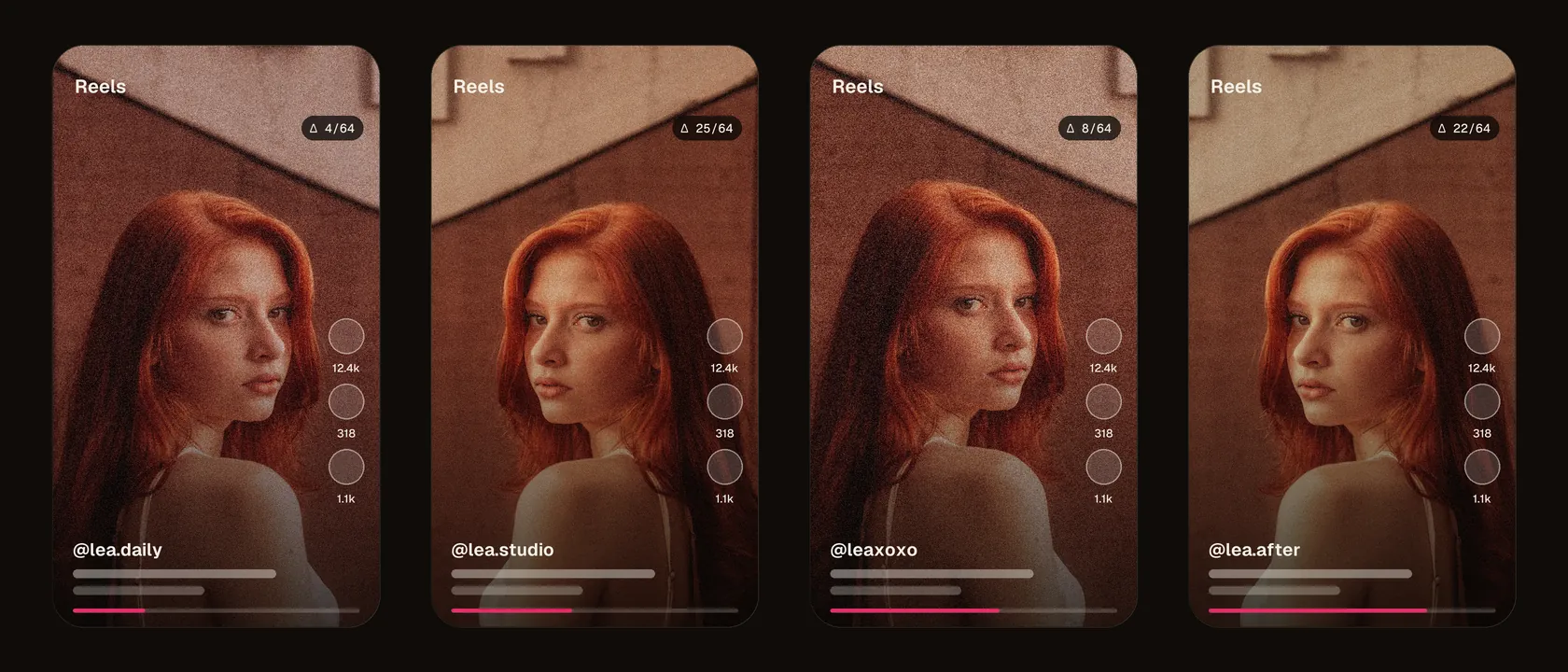
Instagram Reels is still a major discovery channel for OFM creators and agencies: the vertical format is pushed to people who don’t follow you yet. But since 2024, Instagram has changed how it rewards Reels, and reposting as-is no longer gives the result it once did.
The 2024 original-content push
In April 2024, Instagram announced it would give more credit to the original creator of a piece of content and reduce the reach of accounts that aggregate or repost other people’s work. In practice, when content is recognised as a repost from another account, Instagram may show a link to the original and not recommend the copy in Explore or in the feeds of people who don’t follow you. An account that piles up identical reposts can see its overall reach penalised, not just the video in question.
For promo accounts the consequence is direct: the same video posted across several profiles will be recognised as duplicated, and only the first copies — if any — will fully benefit from recommendation. The content stays visible to your followers, but discovery closes off.
How Instagram recognises a repost
- Perceptual fingerprint of image and audio: the core of the system, unaffected by renaming and re-encoding.
- Reused audio: the same original sound attached to several identical videos strengthens the match.
- Account signals: new accounts, closely spaced posts and no audience of their own make distribution more cautious.
This fingerprint is the same kind of mechanism as on other platforms; we detail it in the perceptual fingerprint, explained simply. Changing the thumbnail or the caption doesn’t change what the algorithm “sees”.
Adapting one Reel for several accounts
A well-adapted Reel combines editorial work and a genuinely different file. Instagram favours Reels shot vertically, without another app’s logo (a visible TikTok watermark is a signal of recycled content).
- Export in clean 9:16 (1080×1920), free of another platform’s watermark, with a safe zone for the Instagram interface.
- Rewrite the caption, cover and hashtags for each account: Instagram reads these and rewards a consistent profile.
- Produce a distinct file per account: slight crop, mirror, speed, audio pitch, light and grain, with a measured fingerprint distance. That’s the role of Klypsed, which processes everything locally on your machine.
- Post first from your most established account and space the variants out over time.
The full method, valid across every network, is described in posting one video across several accounts, and the signs of reduced reach in shadowban and reposting across multiple accounts.
The signals that matter for a Reel
Instagram has repeatedly explained that watch time, likes and above all shares, especially by direct message, weigh in recommending Reels to non-followers. A well-adapted variant must first hold attention: a hook in the first second, tight pacing and an ending that makes people want to share.
Test a variant with trial Reels
Since late 2024, Instagram has offered trial Reels, shown first to people who don’t follow you. It’s a good way to test a hook or an edit on one account before adapting the winning version to the others, each with its own file.
Only post content you own the rights to, with the consent of the people filmed, and follow Instagram’s terms of use, including its rules on AI-generated content and on running several accounts. No tool guarantees a Reel’s reach or “gets around” moderation: recommendations also depend on account behaviour and reports.
In short
Since 2024, Instagram rewards the original and closes discovery off for identical reposts. To run several accounts on Reels, give each its own version: a clean watermark-free 9:16, a rewritten caption and a genuinely different file. Klypsed produces those variants in a batch, locally, with the measured distance to back it up.
Frequently asked questions
Can you repost a Reel on another Instagram account?
Yes, but as an identical copy it will be recognised as a repost and rarely recommended. Post a genuinely different file, with a rewritten caption and cover.
Does Instagram penalise videos with a TikTok watermark?
Instagram has said it makes Reels carrying another app’s logo less visible. Always export a clean, watermark-free file.
What’s the ideal length for a Reel?
There isn’t one: Instagram accepts Reels up to three minutes, but retention is what counts. A short Reel watched to the end beats a long one that gets abandoned.
Does deleting and reposting a Reel improve its reach?
Rarely. Reposting the same file creates a duplicate of your own content. Post a new, genuinely different version instead.
Does sharing your Reel to Stories count as a repost?
No. Sharing your own Reel to Stories points back to the original post: it isn’t new content.